

The gRPC API is in legacy maintenance mode and won’t receive new features. For new projects, use the REST v2beta API.
- Python
- TypeScript
Try it out live by clicking the link below to open the notebook in Google Colab!
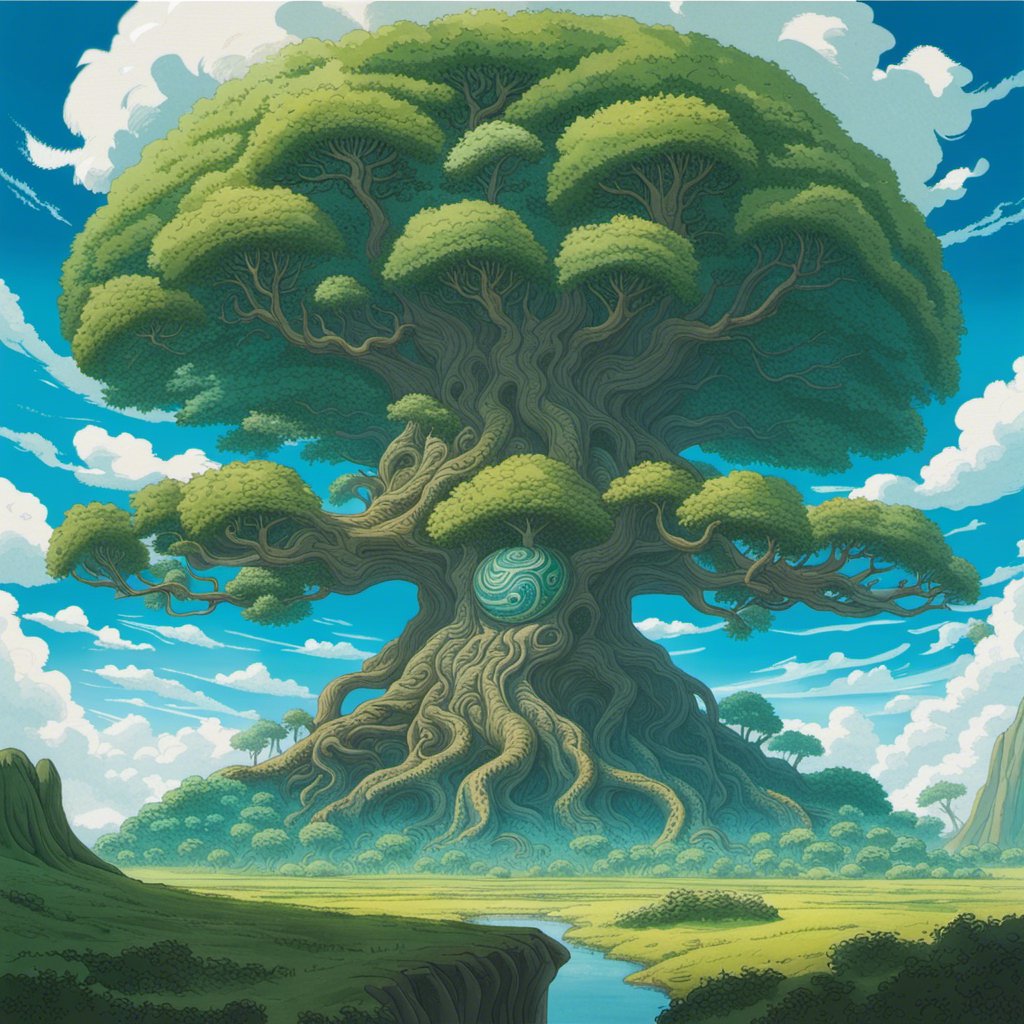
Resulting image written to
1. Install the Stability SDK package…
pip install stability-sdk
2. Import our dependencies and set up our environment variables and API Key…
import os
import io
import warnings
from PIL import Image
from stability_sdk import client
import stability_sdk.interfaces.gooseai.generation.generation_pb2 as generation

# Our Host URL should not be prepended with "https" nor should it have a trailing slash.
os.environ['STABILITY_HOST'] = 'grpc.stability.ai:443'

# Sign up for an account at the following link to get an API Key.
# https://platform.stability.ai/

# Click on the following link once you have created an account to be taken to your API Key.
# https://platform.stability.ai/account/keys

# Paste your API Key below.

os.environ['STABILITY_KEY'] = 'key-goes-here'
3. Establish our connection to the API…
# Set up our connection to the API.
stability_api = client.StabilityInference(
    key=os.environ['STABILITY_KEY'], # API Key reference.
    verbose=True, # Print debug messages.
    engine="stable-diffusion-xl-1024-v1-0", # Set the engine to use for generation.
    # Check out the following link for a list of available engines: https://platform.stability.ai/docs/features/api-parameters#engine
)
4. Set up initial generation parameters, save image on generation, and warn if the safety filter is tripped…
# Set up our initial generation parameters.
answers = stability_api.generate(
    prompt="expansive landscape rolling greens with gargantuan yggdrasil, intricate world-spanning roots towering under a blue alien sky, masterful, ghibli",
    seed=4253978046, # If a seed is provided, the resulting generated image will be deterministic.
                     # What this means is that as long as all generation parameters remain the same, you can always recall the same image simply by generating it again.
                     # Note: This isn't quite the case for Clip Guided generations, which we'll tackle in a future example notebook.
    steps=50, # Amount of inference steps performed on image generation. Defaults to 30.
    cfg_scale=8.0, # Influences how strongly your generation is guided to match your prompt.
                   # Setting this value higher increases the strength in which it tries to match your prompt.
                   # Defaults to 7.0 if not specified.
    width=1024, # Generation width, defaults to 512 if not included.
    height=1024, # Generation height, defaults to 512 if not included.
    samples=1, # Number of images to generate, defaults to 1 if not included.
    sampler=generation.SAMPLER_K_DPMPP_2M # Choose which sampler we want to denoise our generation with.
                                                 # Defaults to k_dpmpp_2m if not specified. Clip Guidance only supports ancestral samplers.
                                                 # (Available Samplers: ddim, plms, k_euler, k_euler_ancestral, k_heun, k_dpm_2, k_dpm_2_ancestral, k_dpmpp_2s_ancestral, k_lms, k_dpmpp_2m, k_dpmpp_sde)
)

# Set up our warning to print to the console if the adult content classifier is tripped.
# If adult content classifier is not tripped, save generated images.
for resp in answers:
    for artifact in resp.artifacts:
        if artifact.finish_reason == generation.FILTER:
            warnings.warn(
                "Your request activated the API's safety filters and could not be processed."
                "Please modify the prompt and try again.")
        if artifact.type == generation.ARTIFACT_IMAGE:
            img = Image.open(io.BytesIO(artifact.binary))
            img.save(str(artifact.seed)+ ".png") # Save our generated images with their seed number as the filename.
Resulting image written to <seed>.png:
1. Copy over the generated client files…
Follow all the steps here to setup the gRPC client and helper functions.2. Make the request…
import fs from "fs";
import * as Generation from "./generation/generation_pb";
import {
  buildGenerationRequest,
  executeGenerationRequest,
  onGenerationComplete,
} from "./helpers";

const request = buildGenerationRequest("stable-diffusion-xl-1024-v0-9", {
  type: "text-to-image",
  prompts: [
    {
      text: "expansive landscape rolling greens with gargantuan yggdrasil, intricate world-spanning roots towering under a blue alien sky, masterful, ghibli",
    },
  ],
  width: 1024,
  height: 1024,
  samples: 1,
  cfgScale: 8,
  steps: 30,
  seed: 4253978046,
  sampler: Generation.DiffusionSampler.SAMPLER_K_DPMPP_2M,
});

executeGenerationRequest(client, request, metadata)
  .then(onGenerationComplete)
  .catch((error) => {
    console.error("Failed to make text-to-image request:", error);
  });
Resulting image written to image-<seed>.png: